01 / 06
Technical Drafting
Clear, dimensionally accurate drawings designed around practical manufacturing requirements.
2D CADDimensionsTechnical drawings
CAD DESIGN / ENGINEERING WORKFLOW
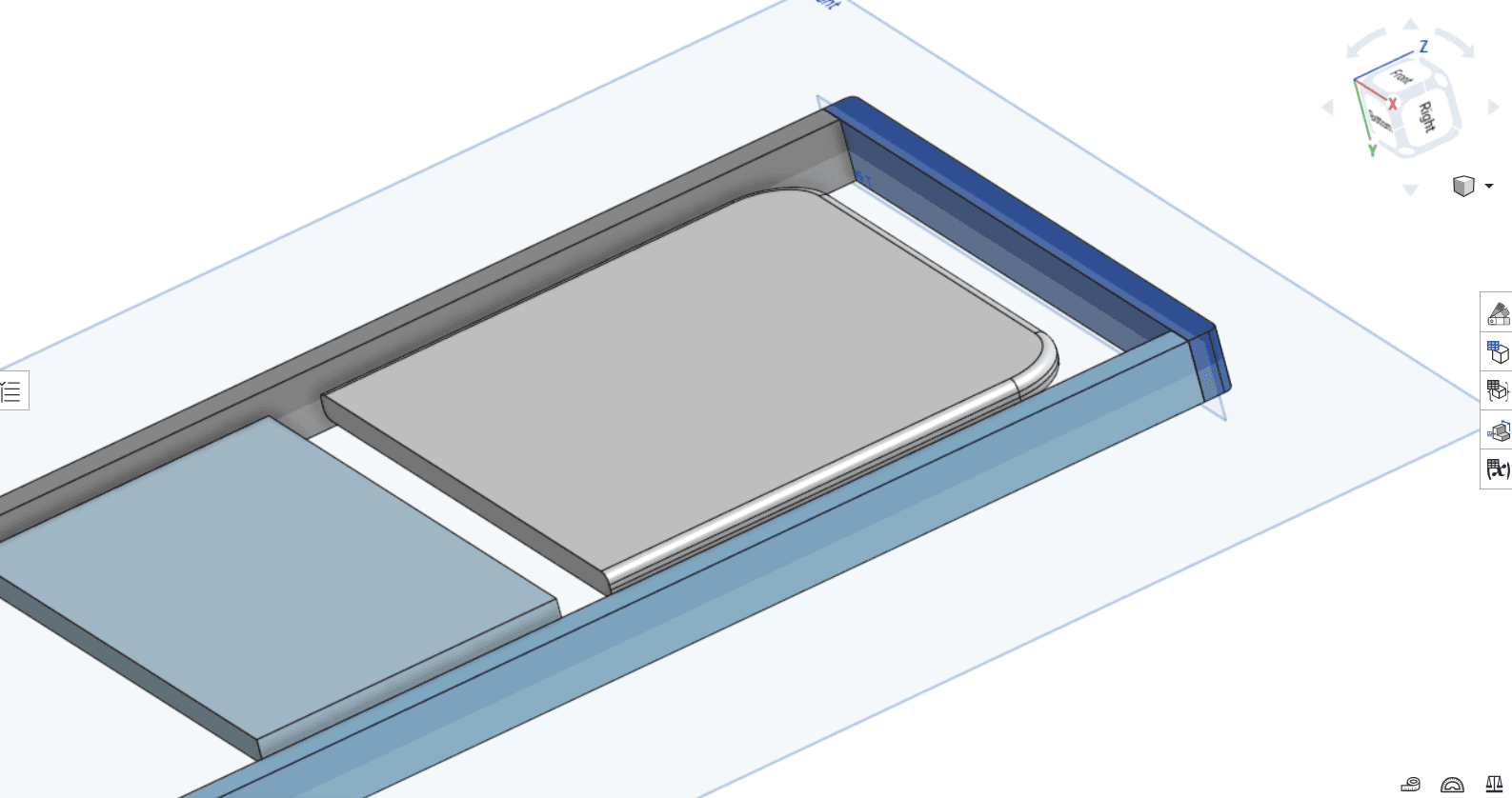
CAD design spanning technical drafting, mechanical components, laser-cutting preparation, and 3D modeling—with a focus on practical geometry and manufacturing workflows.
WHAT I DO
From production-oriented 2D drawings to detailed 3D models, each project starts with understanding the geometry and its intended use.
Clear, dimensionally accurate drawings designed around practical manufacturing requirements.
Component design with attention to geometry, fit, material use, and real-world application.
Clean production geometry and files prepared for laser-cutting workflows.
Mechanical parts, curved forms, repeated features, and 3D geometry developed in CAD.
Exploring model geometry and design considerations for additive manufacturing.
A practical approach to reviewing requirements, refining designs, and preparing suitable deliverables.
FEATURED PROJECT / 3D CAD
A collection of models exploring mechanical details, repeated features, curved surfaces, and geometry relevant to 3D printing.
MODEL STUDY / 013D CAD DESIGN
A collection of 3D models exploring mechanical geometry, repeated features, curved surfaces, and design considerations for additive manufacturing.
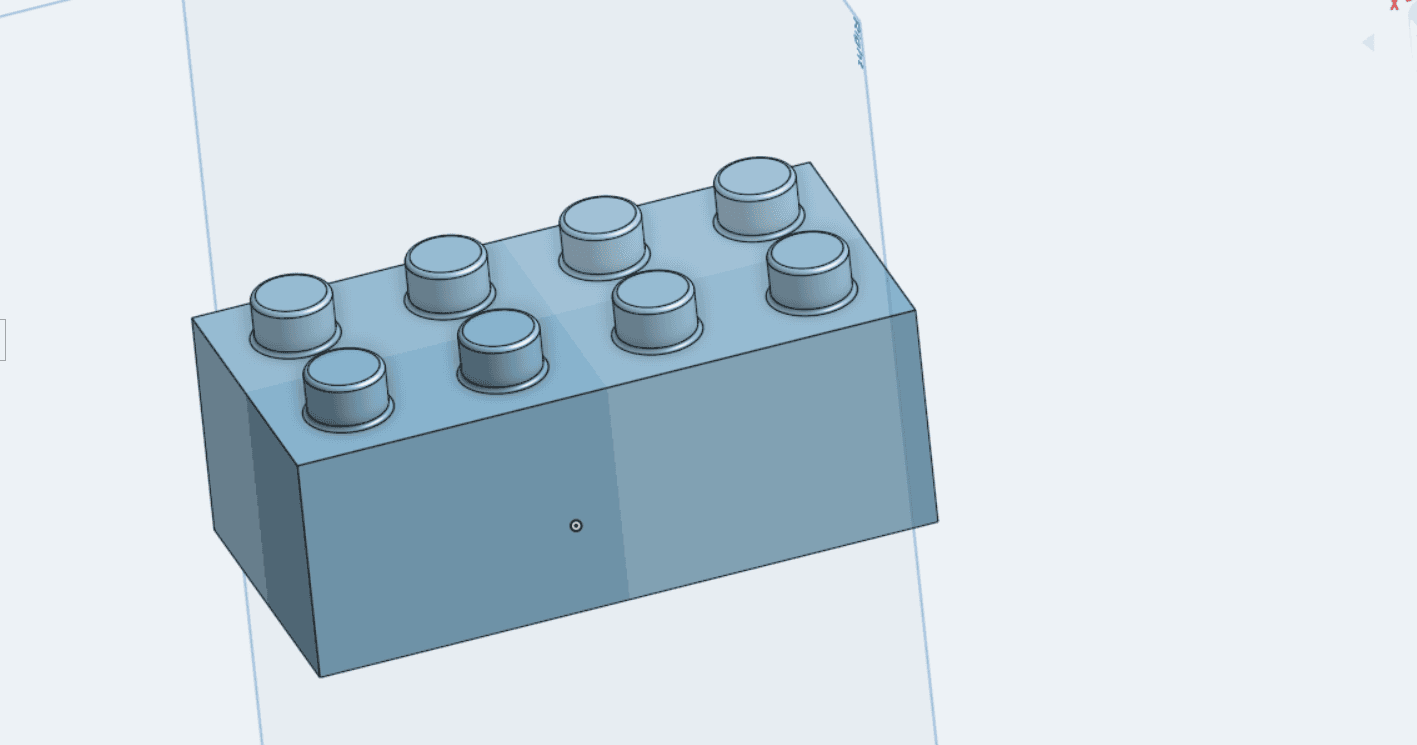 REPEATED FEATURES
MODEL / 02
A solid form exploring repeated cylindrical features on a rectangular base.
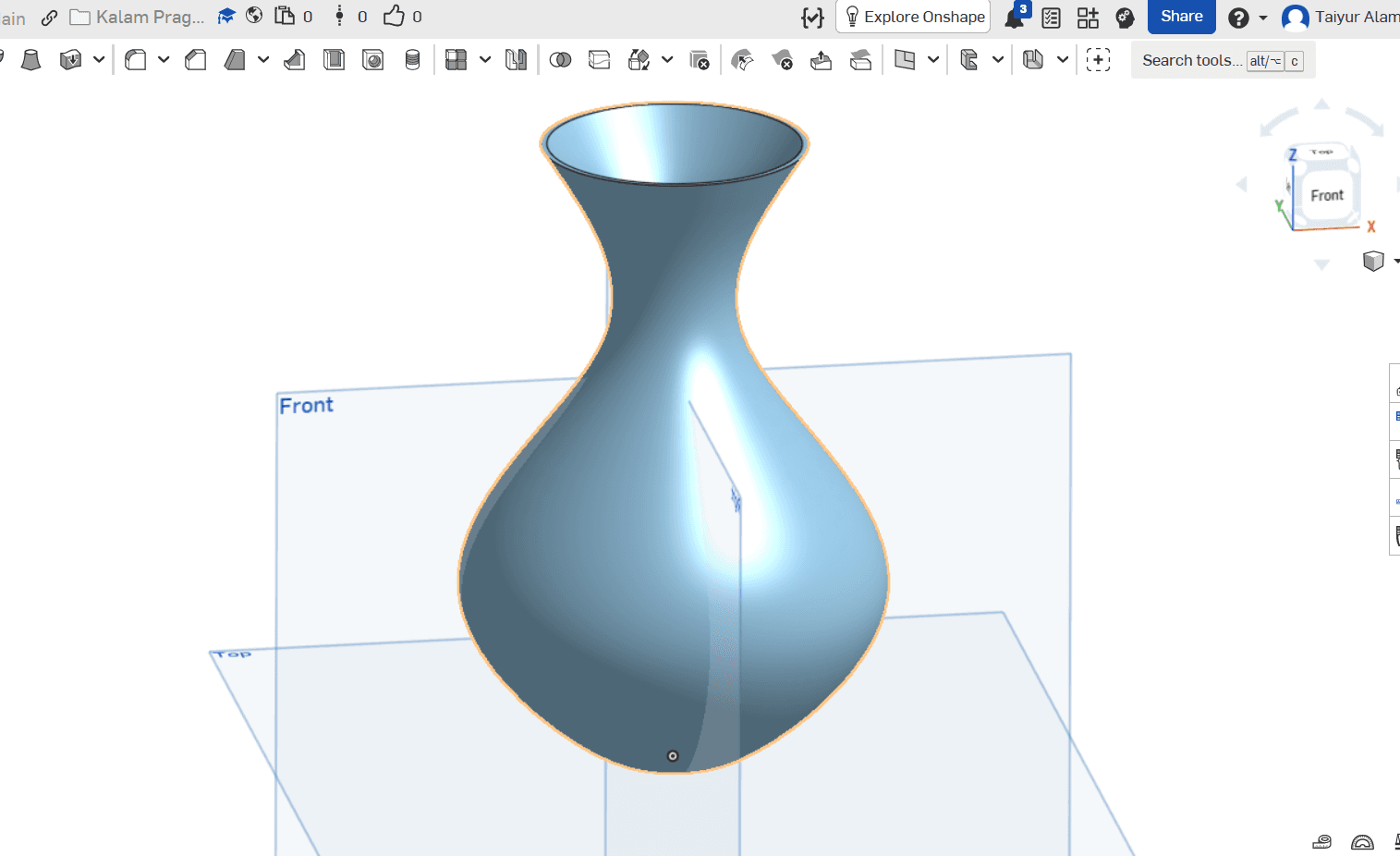 CURVED SURFACES
MODEL / 03
A curved organic form created to explore smooth transitions and surface geometry.
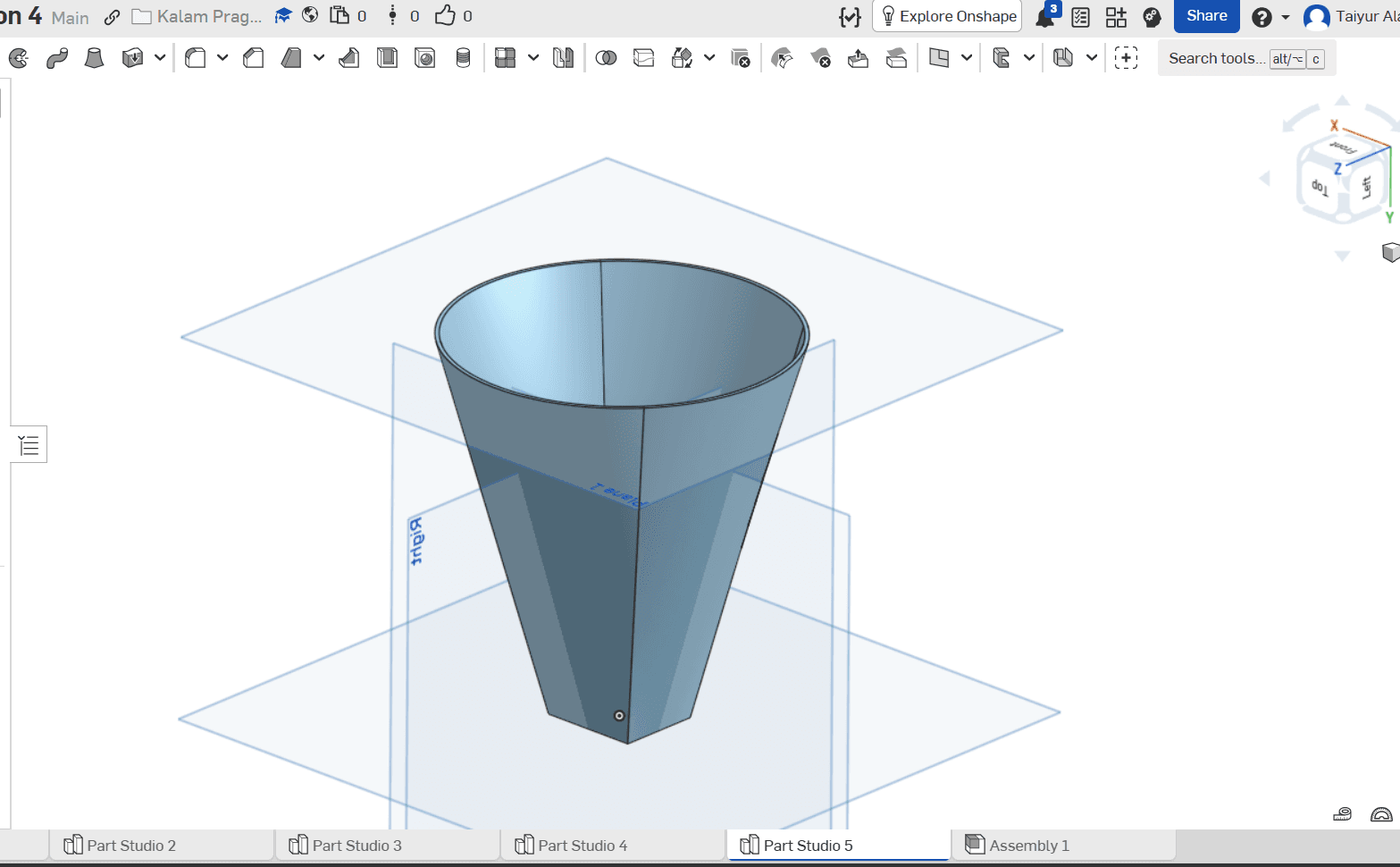 FORM DEVELOPMENT
MODEL / 04
A tapered form that explores shape, proportions, and hollow geometry.
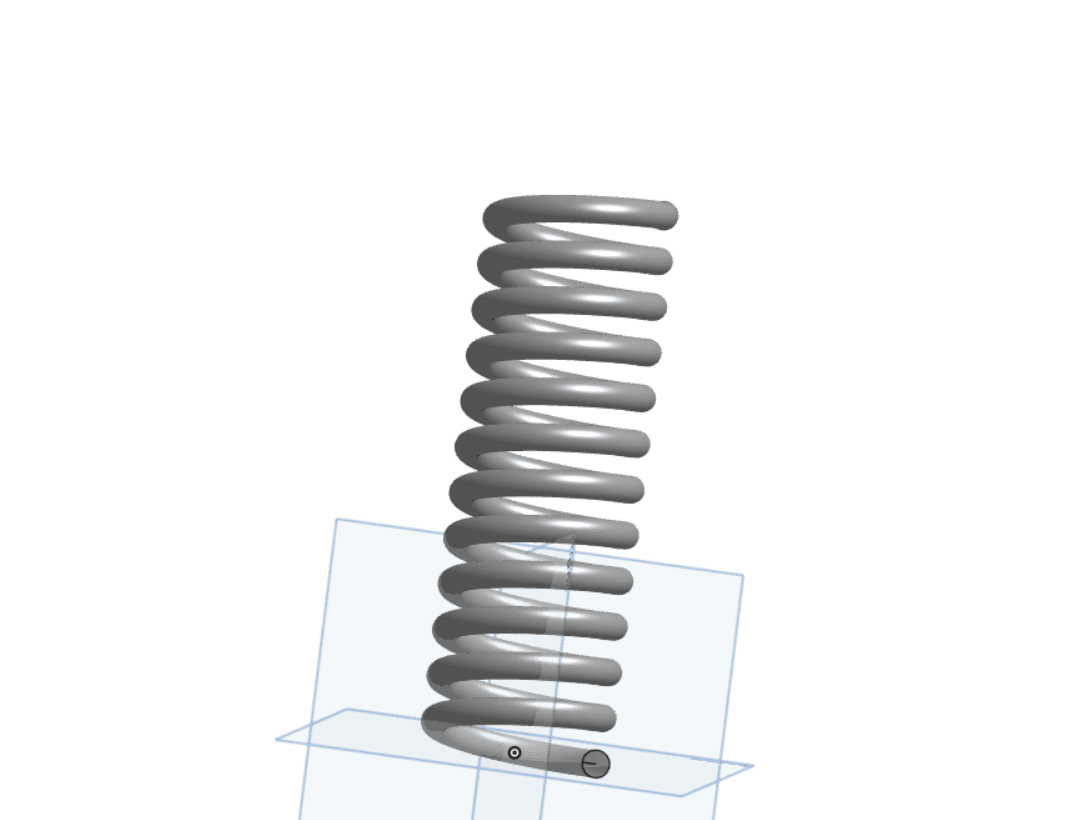 ADVANCED GEOMETRY
MODEL / 05
A helical form demonstrating repeated geometry along a curved path.
Models shown are CAD studies. 3D-print readiness and successful physical printing should only be claimed after the relevant geometry and manufacturing checks have been completed.
OTHER SELECTED WORK / CAD
Explore more technical drafting and production-focused work.
PROJECT / 01
A case study featuring approved examples of production-oriented CAD files and design work.
HOW I APPROACH A PROJECT
STEP 01
Review the part requirements, dimensions, intended application, and manufacturing constraints.
STEP 02
Build and refine the geometry with accuracy, clarity, and the intended use in mind.
STEP 03
Review the model and prepare the files required for the intended manufacturing workflow.
TOOLS & WORKFLOW
My workflow combines CAD design and drafting software with laser-cutting preparation tools. The tools used depend on each project's requirements.
HAVE A PROJECT IN MIND?
For CAD modeling, technical drafting, or manufacturing-file preparation, let's discuss the application and deliverables.
Discuss a project